
Skip the Upgrade: Unlock AAA Games on Your Laptop for Free
Tired of your laptop struggling with new games? Cloud gaming is the silent revolution that lets you play the latest, most demanding titles instantly, without a costly console or PC upgrade. We’ll break down the best free services—from Shadow PC to GeForce Now—and show you exactly how to transform your everyday device into a portal for top-tier gaming. Get ready to play anything, anywhere.
12/20/20253 min read
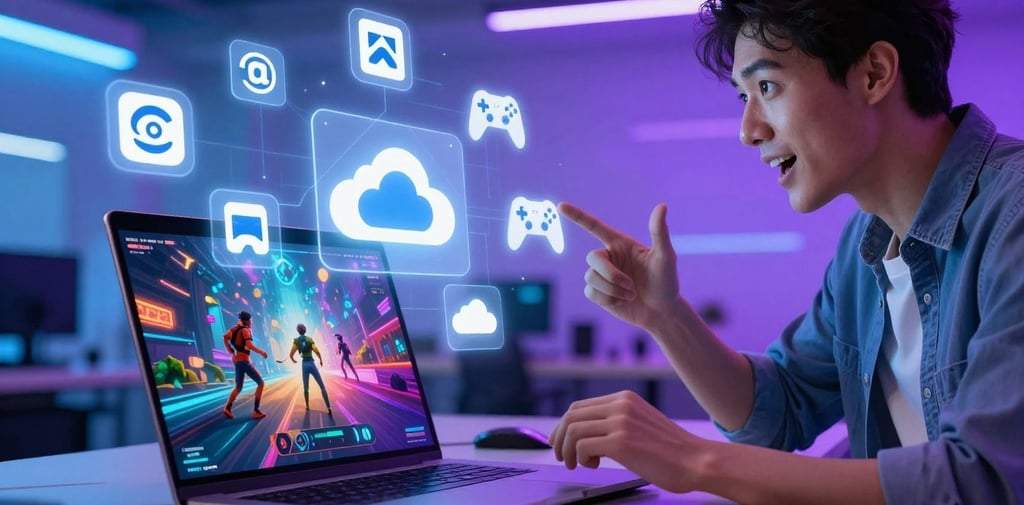

Why Your Laptop is Secretly a Gaming Beast
Tired of your laptop groaning under the weight of new game releases? What if you could play the latest, most demanding titles without dropping a fortune on a fancy new machine? That’s the magic of cloud gaming, and it’s completely changing what our humble laptops are capable of.
Gone are the days of being hardware-locked. With services like Shadow PC, you can stream a powerhouse gaming rig directly to your device. It’s like having a secret supercomputer in the cloud, ready to tackle any game you throw at it.
And the best part? You can dive into this world for free. The top cloud gaming platforms offer massive libraries, letting you play everything from blockbuster AAA titles to hidden indie gems. No downloads, no upgrades—just instant play. Let’s break down how to unlock this potential and find the perfect service for you.
Let’s be real: gaming laptops are expensive, and keeping up with tech specs is a treadmill no one enjoys. Cloud gaming cuts that cord. Suddenly, your thin-and-light laptop for work or school can run Cyberpunk 2077 on max settings. Services like Xbox Cloud Gaming and GeForce Now do the heavy lifting on their servers, streaming the game to you like a Netflix movie.
This isn't just convenient; it's liberating. It means access to an enormous, ever-refreshing library of games without the sticker shock. You’re paying for access, not hardware. For students, travelers, or anyone on a budget, it’s an absolute game-changer.
The Top Free Contenders: Which Cloud Service Fits You?
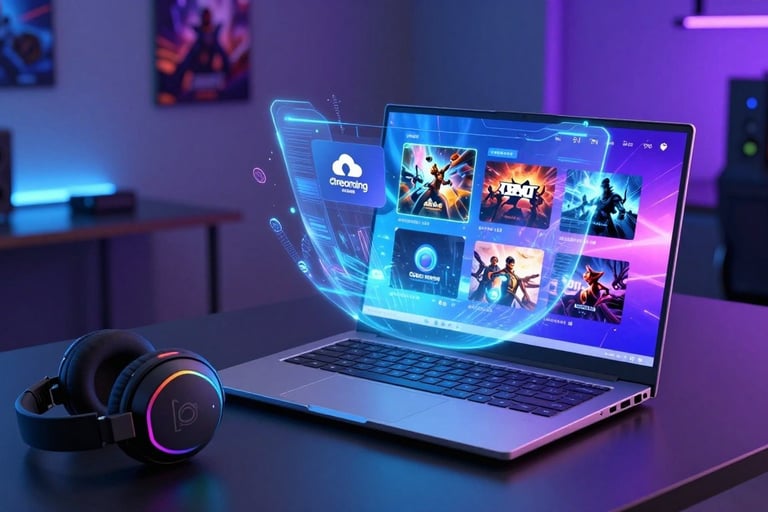
Not all cloud services are the same. Some are like renting a full PC, others are like a Netflix for games. Here’s the lowdown on the top players.
Shadow PC: Your PC in the Cloud
Think of Shadow not just as a gaming service, but as a full Windows 10/11 desktop streamed to your screen. You install your own games from Steam, Epic, or anywhere else.
The Good: Ultimate flexibility. It’s your environment. If it runs on Windows, it can run on Shadow.
The Catch: It’s pricier than other options and feels more like a monthly rental for a high-end PC. You also need a very solid internet connection.
Perfect for: The tinkerer who wants a full desktop experience and access to their entire existing game library.
Amazon Luna: Simple & Streamlined (Especially for Prime Members)
Amazon’s entry is all about simplicity. Browse a catalog, click play. It’s integrated with Twitch and offers different "channels" like Ubisoft+ for a subscription.
The Good: Incredibly easy to use. If you're already an Amazon Prime member, you get instant access to a rotating selection of free games. The interface is clean and console-like.
The Catch: The game library is curated. You can’t play your personal Steam library here. Game availability depends on which subscription channels you have.
Perfect for: Casual gamers and Amazon Prime subscribers who want a no-fuss, jump-in-and-play experience.
GeForce Now: The Power-Boost for Your Existing Library
This is the clever one. GeForce Now lets you play games you already own on stores like Steam, Epic, and GOG, but it runs them on NVIDIA’s super-powered servers.
The Good: It respects your existing investments. You’re not re-buying games. The free tier lets you play for an hour at a time, and the performance on paid tiers is exceptional.
The Catch: Not every game in your library is supported (though the list is huge). You’re also at the mercy of your own internet stability.
Perfect for: PC gamers with a big existing library who want to play on underpowered hardware or on the go
Pro Tips for a Flawless Stream
A great experience hinges on two things:
Your Internet: Wired Ethernet is king. If you’re on Wi-Fi, get as close to your router as possible. Aim for a stable 25+ Mbps connection for a solid 1080p stream.
Your Setup: Use Google Chrome or Microsoft Edge for the best browser performance. Close other tabs and applications hogging bandwidth. For apps like Shadow, a USB-connected mouse and keyboard will feel more responsive than Bluetooth.
Ready to Transform Your Laptop?
Cloud gaming shatters the old limits. It turns your everyday laptop into a portal to a massive gaming universe, free from hardware anxiety. Whether you choose the full-PC freedom of Shadow, the streamlined ease of Luna, or the library-friendly power of GeForce Now, a world of high-end gaming is literally a click away.
Why stop at upgrading your play? If you're building a community, creating content, or looking to level up your project's visibility, consider how the right tools can help. For a creative boost, exploring resources like AdCreativeAIWorks.com can offer fresh ideas to make your work stand out. The first step is always just diving in.