
The Best Gaming Monitors Under $200
This guide highlights the best high-performance gaming monitors available for under $200, demonstrating that gamers can enjoy smooth visuals without breaking the bank. It breaks down critical features to look for in a budget display, such as high refresh rates, low response times, and adaptive sync technology. Finally, the article compares standout models from brands like KTC and Sceptre to help users decide between options optimized for competitive speed or immersive resolution.
12/21/20255 min read

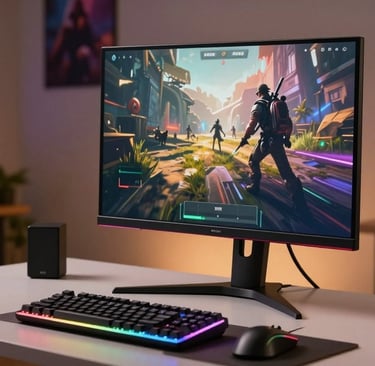
A good gaming display can really change your gaming experience. With just $200, you can get an affordable gaming monitor that performs well without costing too much.
There are many great choices out there. The KTC H27T22, KTC H27E22S, and Sceptre C305B-200UN1 are some examples. They have high refresh rates, fast response times, and wide color gamuts. These budget-friendly monitors are great for gamers who want to improve their experience without spending a lot.
In this article, we'll look at the best gaming monitors you can get for under $200. We'll talk about their features, the good and bad points, to help you choose wisely.

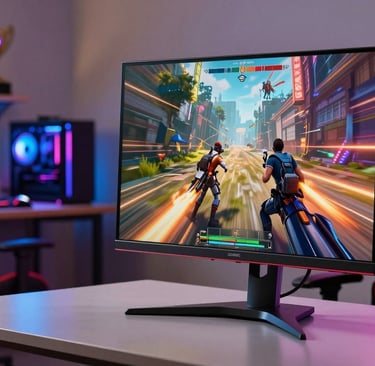
Adaptive sync technology is another key feature. AMD FreeSync or NVIDIA G-Sync stops screen tearing. This tech makes sure your game looks smooth and uninterrupted.
Here are some important features to look for in a cheap gaming screen:
High refresh rates (144Hz or 240Hz)
Fast response times (1ms or 2ms)
Adaptive sync technologies (AMD FreeSync or NVIDIA G-Sync)
Resolution (at least Full HD for a good balance between performance and visuals)
By looking for these features, you can find a top budget monitor that fits your gaming needs and budget. The best value gaming monitor is one that offers great performance at a good price.
The Best Gaming Monitors Under $200 Compared
For gamers on a budget, monitors under $200 offer great choices. They balance performance and price well. We'll look at some top gaming monitors in this range, focusing on their performance, key features, and pros and cons.
Performance Overview
The KTC H27T22 stands out, with a 27-inch 1440p panel. It has a 165Hz refresh rate and AMD FreeSync technology. It's perfect for fast-paced games, offering a smooth experience.
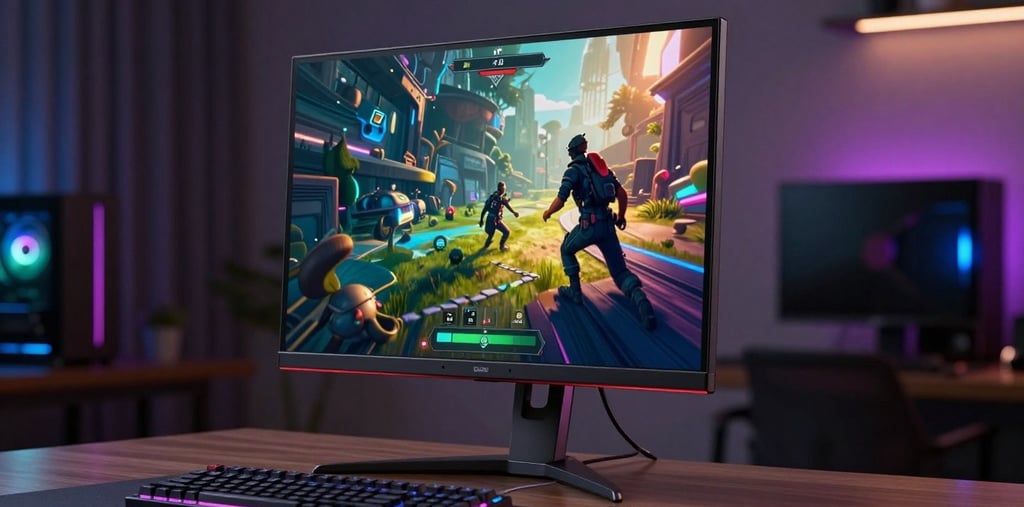
The KTC H27E22S has a 240Hz refresh rate. It's great for competitive gamers who need every edge. But, it has fewer features than the KTC H27T22.
Key Features
KTC H27T22: 27-inch 1440p, 165Hz refresh rate, AMD FreeSync
KTC H27E22S: 240Hz refresh rate, competitive gaming focus
Sceptre C305B-200UN1: Ultrawide monitor, 200Hz refresh rate
Sceptre E305B-FU200T: Flat IPS panel, 210Hz refresh rate
Pros and Cons
The KTC H27T22 has excellent color accuracy and a high refresh rate. But, it might not beat the KTC H27E22S in refresh rate.
The Sceptre C305B-200UN1 offers an immersive ultrawide experience. However, its color accuracy might not be as high as other models.
Performance Overview
The Sceptre E305B-FU200T is another top choice. It has a flat IPS panel and a 210Hz refresh rate. It's perfect for gamers who want high performance without spending too much.
Key Features
Sceptre E305B-FU200T: Flat IPS panel, 210Hz refresh rate, budget-friendly
Sceptre C305B-200UN1: Ultrawide, 200Hz refresh rate, immersive gaming
Pros and Cons
The Sceptre E305B-FU200T is a great mix of performance and price. But, it might lack some advanced features found in pricier monitors.
When looking at these gaming monitor deals, each has its own strengths and weaknesses. The best budget monitor for you will depend on your gaming needs and preferences.
For those looking for an inexpensive gaming monitor with great performance, the KTC H27T22 and Sceptre E305B-FU200T are good choices. Competitive gamers might prefer the KTC H27E22S for its high refresh rate.
Performance Comparison: Frame Rates and Response Times
Frame rates and response times are crucial for the best gaming monitor under $200. A higher refresh rate, like 240Hz, makes gameplay smoother. Faster response times also cut down on ghosting and blur, making games look better.
The budget gaming monitors under $200 have different refresh rates. For example, 240Hz monitors are great for fast games, offering a smoother feel. Meanwhile, 144Hz monitors still give a good gaming experience, but it's not as smooth as 240Hz.
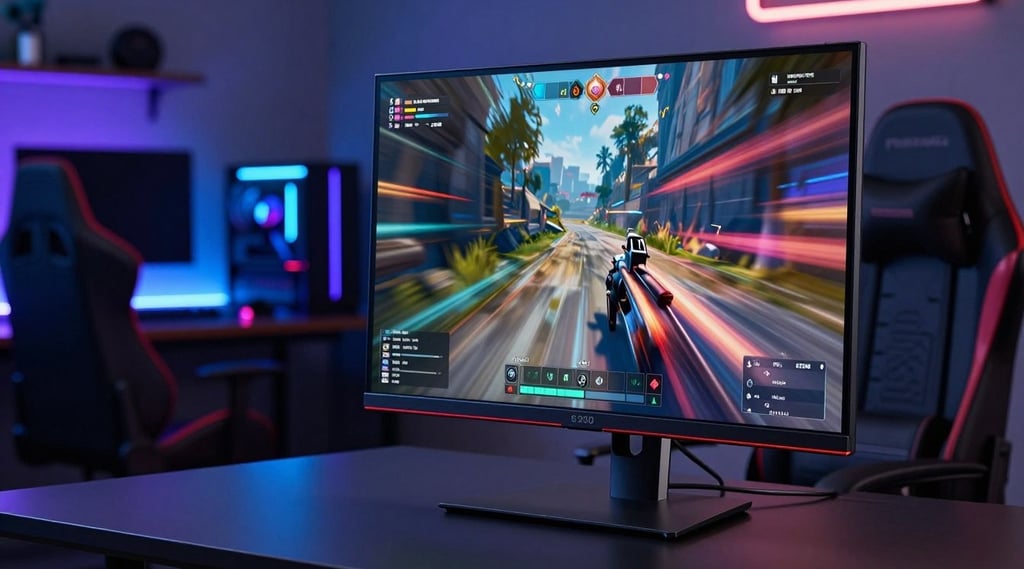
Response times are also key, with faster times being better. Monitors with a 1ms response time are best for gaming, as they reduce blur and ghosting. Even though some value gaming monitors might have slightly longer response times, they still work well for gaming.
When looking at these monitors, frame rates and response times are both important. A monitor with a high refresh rate but slow response time might not be as good as one with both high. Our comparison shows these differences, helping you choose wisely.
In short, finding the best gaming monitor under $200 means balancing frame rates and response times. While high refresh rates and fast response times are good, the best mix depends on your gaming needs and likes.
Value for Money: Features vs. Price
When looking for gaming monitors under $200, finding the right balance is key. The market has many options, each with its own set of features at various prices.
The KTC H27T22 is a standout as an affordable gaming display. It has HDMI 2.0 and a high refresh rate. This makes it a great choice for gamers who want quality without spending too much.
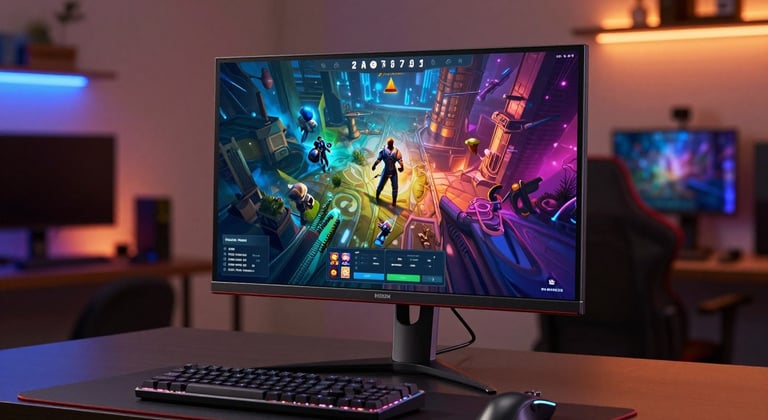
The Sceptre C305B-200UN1 offers an ultrawide experience, making it a great cheap gaming screen. Even though it's priced lower, it still has important features that improve the gaming experience.
Looking at the top budget monitor options, some offer more value than others. Display resolution, refresh rate, and connectivity options are key factors in determining value.
In the end, the best affordable gaming display is one that balances features and price well. By thinking about what's important in a gaming monitor, you can choose wisely. This way, you get what you need without spending more than you should.
To sum it all up, finding the best gaming monitor under $200 means looking at what you need. You might want high refresh rates, color accuracy, or adaptive sync. There's a monitor out there that fits your needs without costing too much.
When you're searching for a budget monitor, keep an eye out for gaming monitor deals. These deals can help you get a great monitor without spending a lot. An inexpensive gaming monitor can still offer a fantastic gaming experience if you know what to look for.
By comparing different monitors, you can find the best budget monitor for you. The right monitor lets you enjoy gaming without spending a lot of money.
This article contains links to affiliate products. This means that if a purchase is made, the author may make a slight commission.